Users can browse the database by clicking the "Browse" button on the homepage and then access specific data through multiple options.
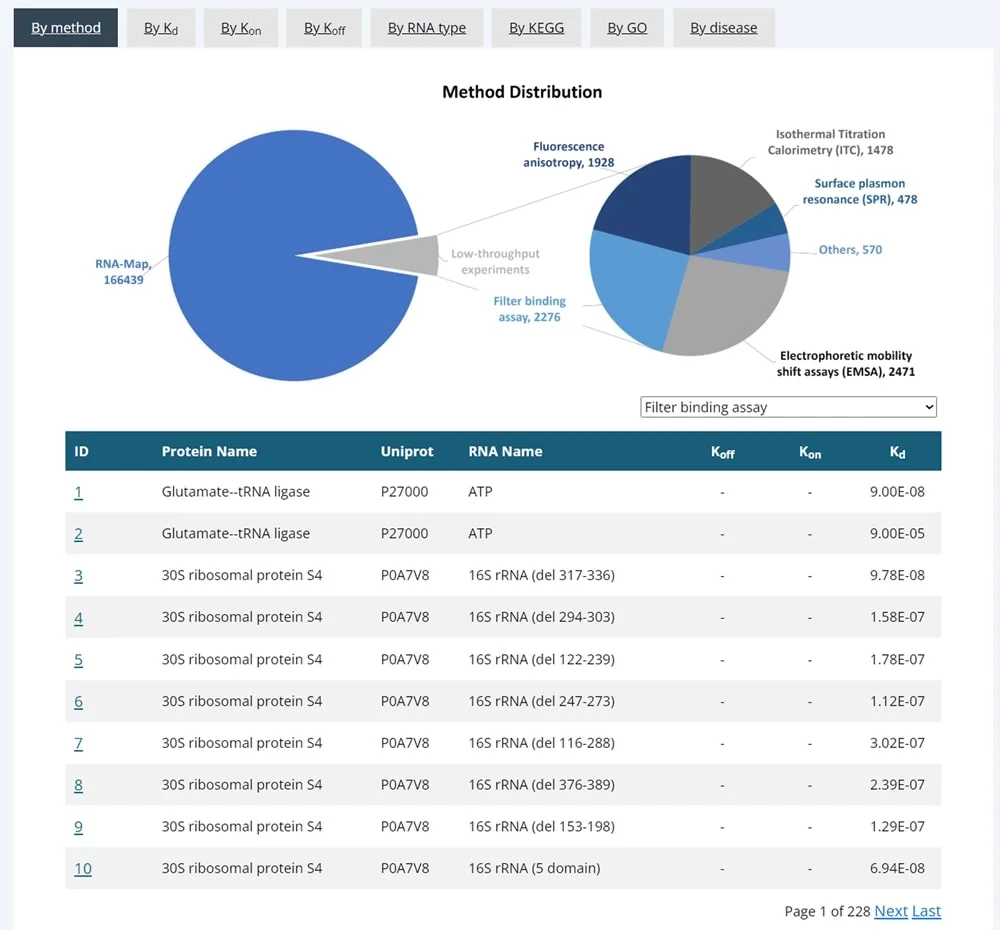
Users can browse KDBI-RP by assay method. The table will dynamically display corresponding data when the assay method is selected from the dropdown menu. Clicking on an ID will allow users to access detailed information for a single entry.
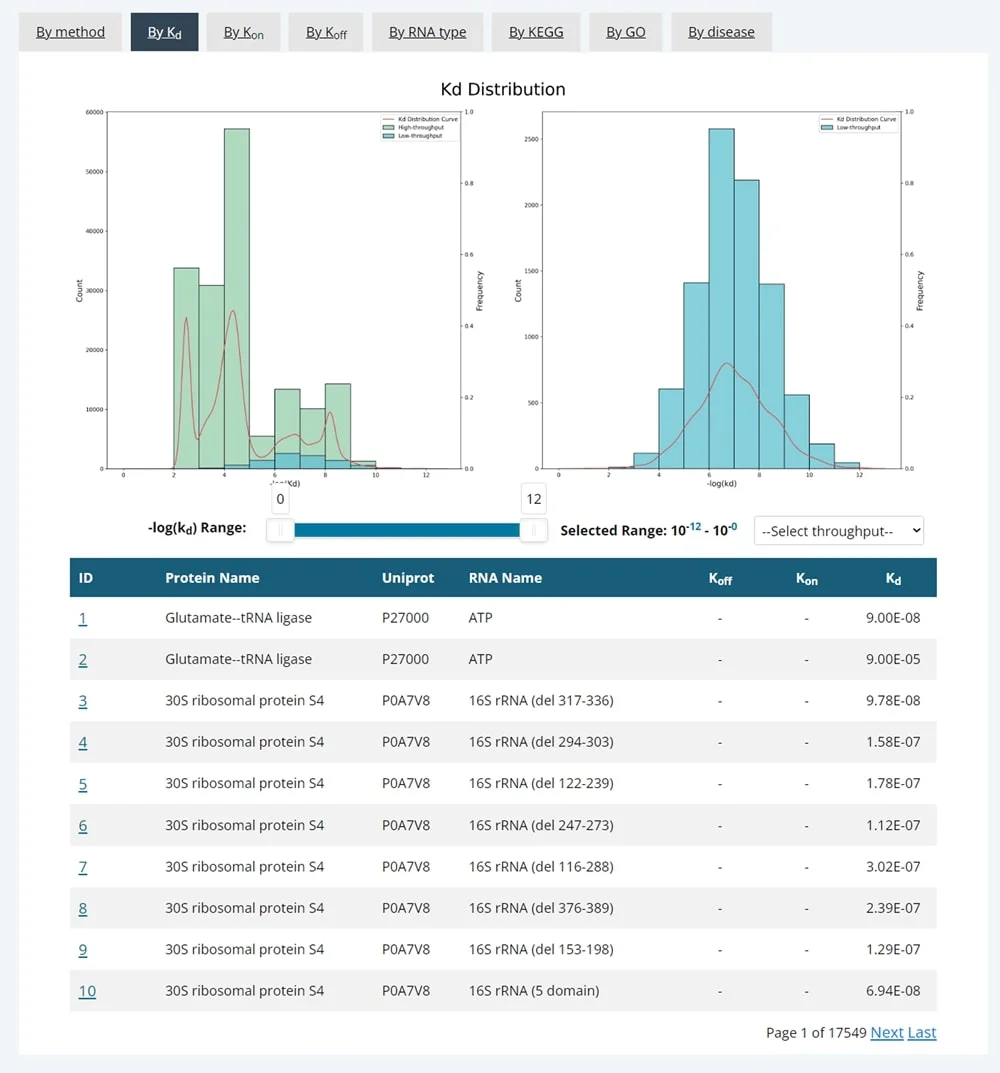
Users can browse KDBI-RP by kinetic parameters. The range of kinetic parameters can be selected using a slider, and users can choose the experimental throughput from the dropdown menu. A table with corresponding data will be dynamically displayed below. Clicking on an ID will allow users to access detailed information for a single entry.
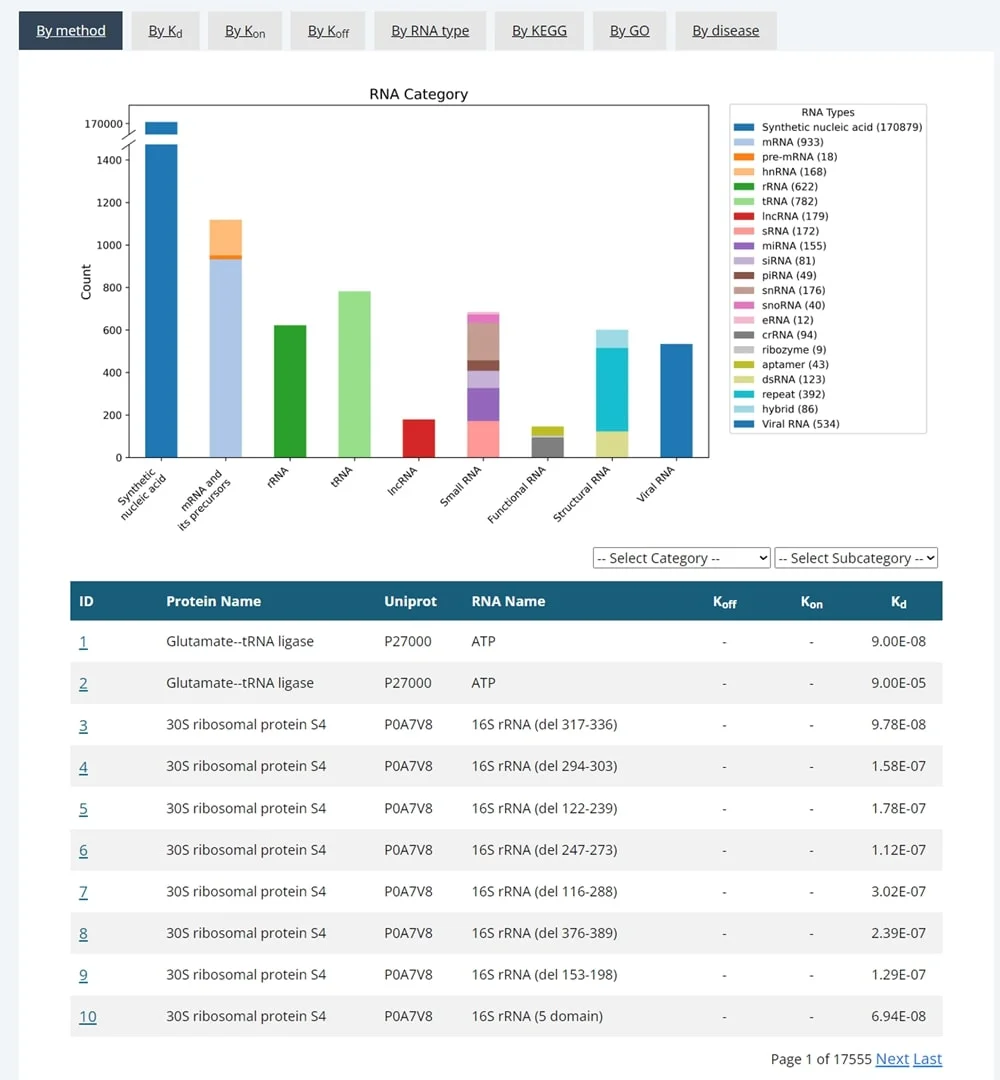
Users can browse KDBI-RP by RNA type. Selecting the RNA category and subclass from the dropdown menu will dynamically display the corresponding data in a table. Clicking on an ID will allow users to access detailed information for a single entry.
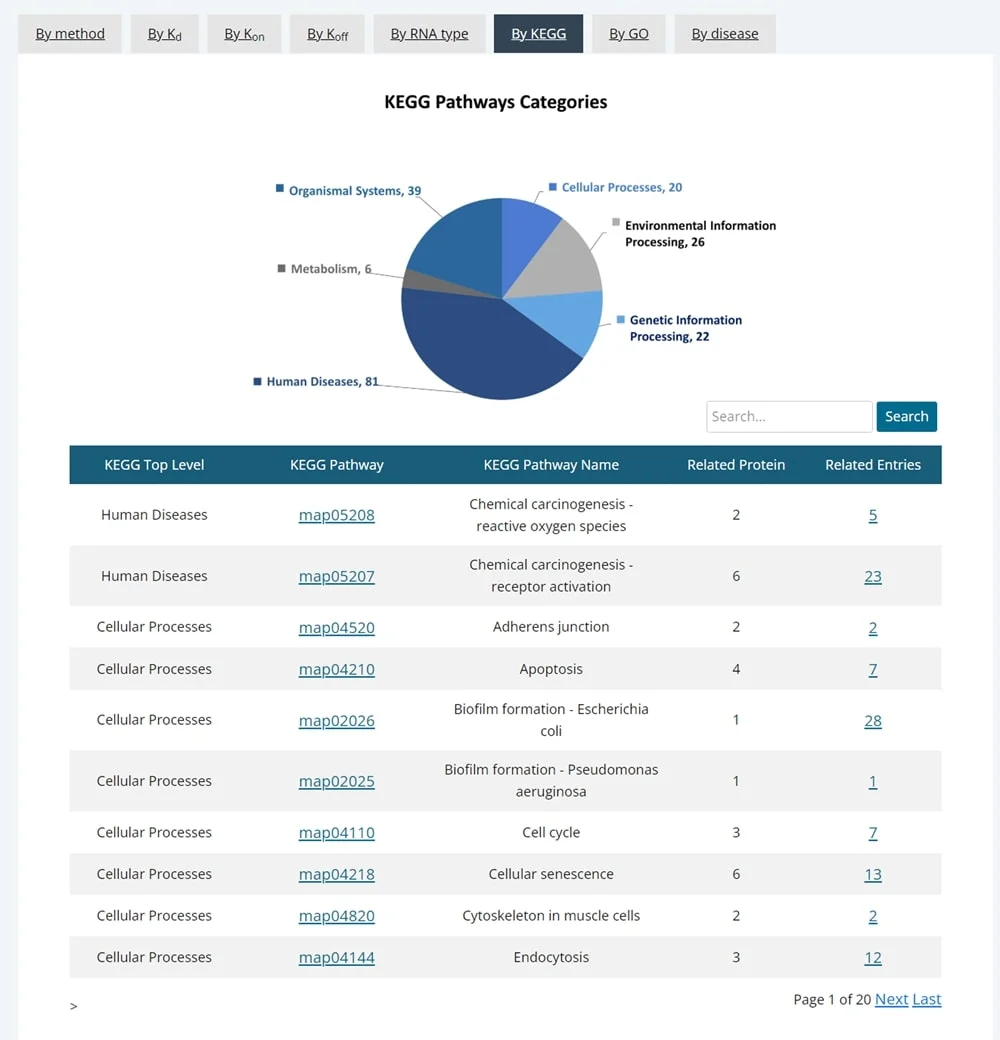
Users can browse KDBI-RP by KEGG pathway. The search box allows users to perform a fuzzy search by pathway name or ID, and related data will be dynamically displayed in the table below. Clicking on a KEGG Pathway will access the corresponding pathway. Users can also click "Related Entries" to view a new webpage containing specific entries for the matched pathway.
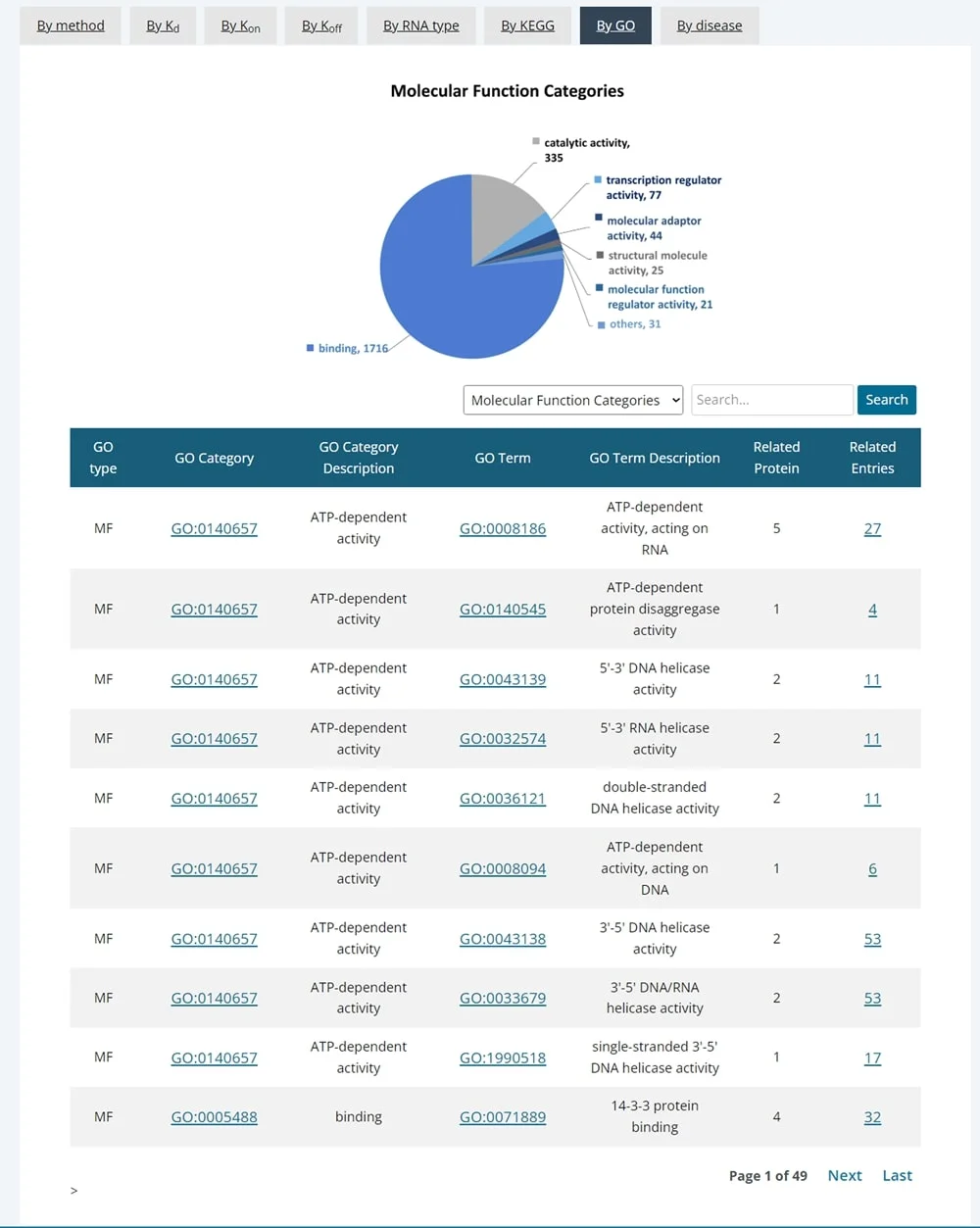
Users can browse KDBI-RP by GO pathway. From the dropdown menu, users can select the GO type, and the search box allows fuzzy matching of pathway names or IDs. Related data will be dynamically displayed in the table below. Clicking on a GO Category will access the corresponding pathway category, or clicking on a GO Term will access the specific pathway. Users can also click "Related Entries" to view a new webpage with specific entries for the matched pathway.
Users can browse KDBI-RP by disease. The search box allows users to perform a fuzzy search by disease name, and related data will be dynamically displayed in the table below. Users can click "Related Entries" to view a new webpage containing specific entries for the matched disease.
Users can search protein names, RNA names, and UNIPROT IDs through the simple search feature located at the top of the page or on the search page. After clicking the "Search" button, a new page will display the matching entries.
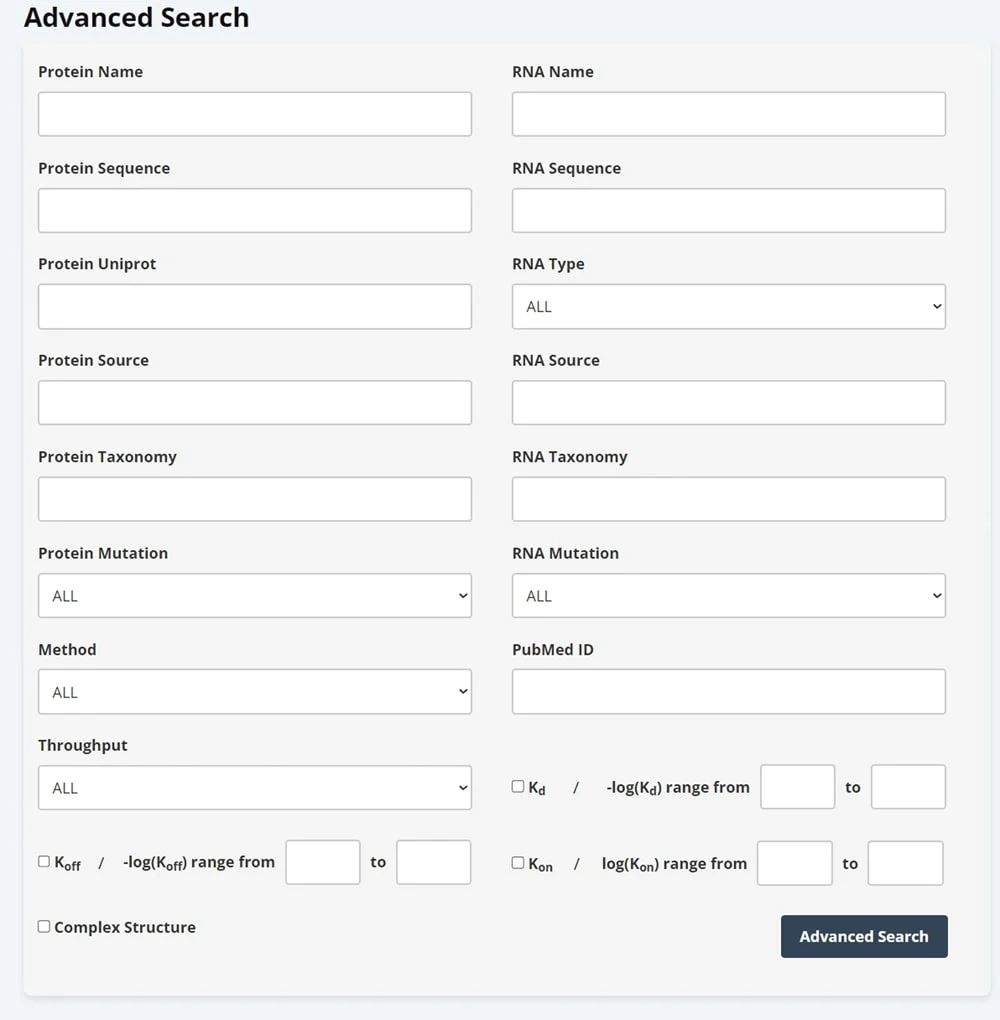
Users can perform an advanced search on the search page by selecting protein information, RNA information, PubMed ID, methodology, throughput, kinetic parameters, structure, and other categories (19 subcategories in total). After clicking the "Search" button, a new page will display the matching entries.
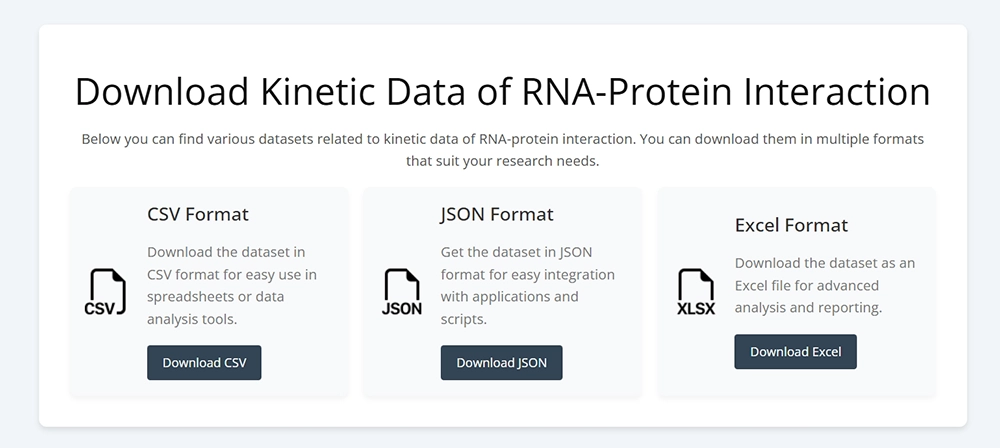
Users can freely and easily download data from KDBI-RP. On the download page, users can download the entire database in CSV, JSON, or XLSX formats. On the search result page, a download button is provided at the bottom, allowing users to download the filtered data of interest. On each detail page, the 3D structure of protein monomers and complexes, as well as the predicted 2D and 3D structures of RNA, are available for download.
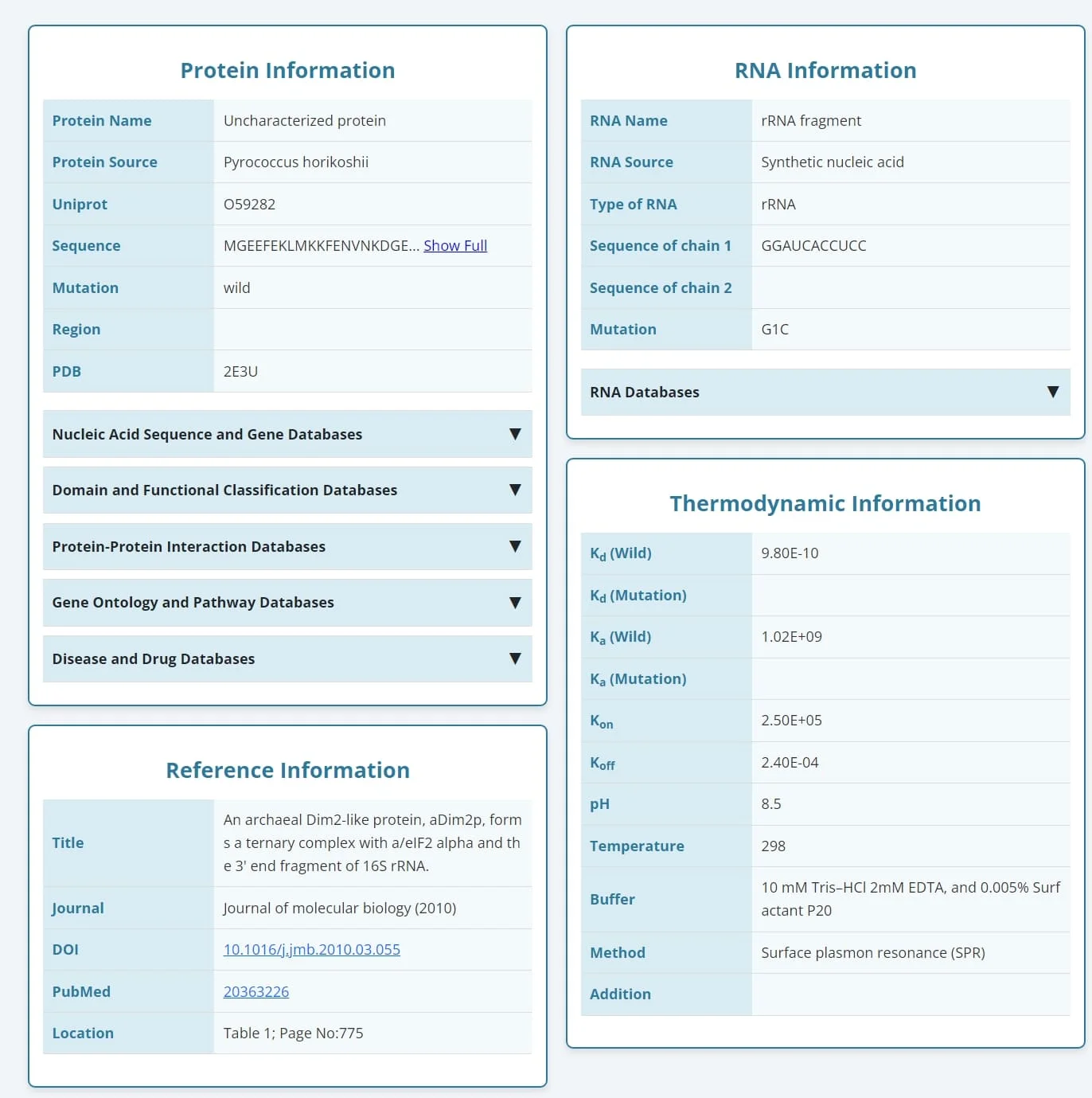
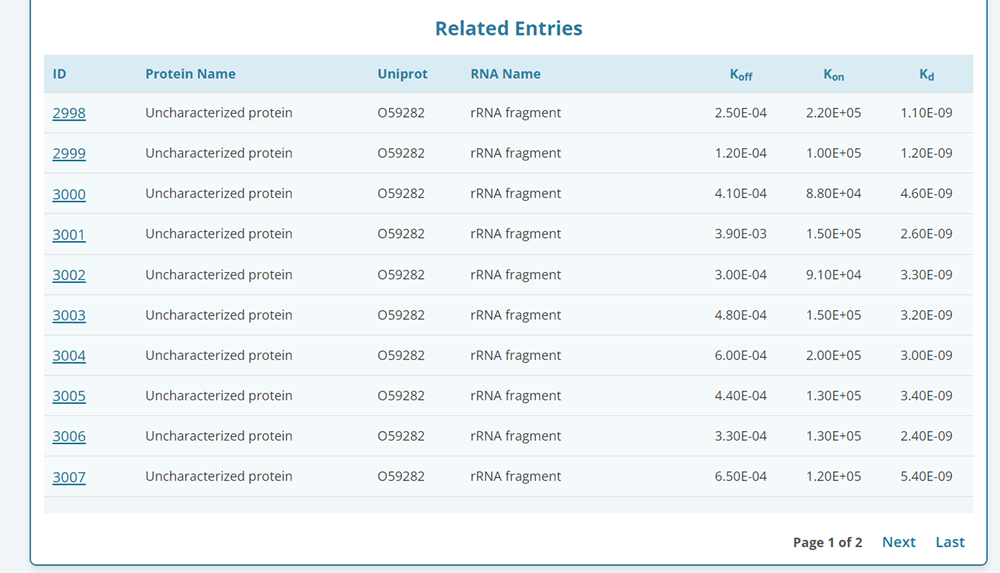
The detail page is organized into six sections: protein information, RNA information, data source, kinetics information, structural information, and related entries.
1. Protein Information
This section provides comprehensive information about proteins, including their name, species, Uniprot ID, sequence, mutation details, and region information (for fragments of existing proteins). Additionally, it integrates cross-references to five major categories of external databases: Nucleic Acid Sequence and Gene Databases, Domain and Functional Classification Databases, Protein-Protein Interaction Databases, Gene Ontology and Pathway Databases, Disease and Drug Databases. Entries are matched via Uniprot IDs, and users can explore detailed information through expandable dropdown menus across 16 linked databases.
2. RNA Information
The RNA section includes data such as RNA name, species of origin, RNA type, sequence information (including complementary strand sequences for double-stranded RNAs), and mutation details. Additionally, RNA sequences are cross-referenced with external databases, including PDBe, RNACentral, ENA, Malacards, and GeneCards, ensuring broad data accessibility.
3. Data Source
This section documents detailed bibliographic information of the source publications, including the title, journal, publication year, DOI, PubMed ID, and the precise location of the data within the publication, ensuring traceability and reproducibility.
4. Kinetics Information
The kinetics section provides binding parameters such as Kd, Ka, kon, koff. Experimental conditions, including pH, temperature, buffer composition, measurement methods, and additional notes, are also recorded, allowing users to contextualize and evaluate the reliability of the data.
The structural information section offers three-dimensional structural data for both proteins and complexes. Links of the PDB structures covering to the experimentally used protein residue ranges, full-length predicted monomeric protein structures, predicted RNA secondary and tertiary structures, as well as available RNA–protein complex structures.
This section lists entries with identical protein or RNA sequences, enabling users to compare and analyze similar interactions efficiently.
By integrating these modules, KDBI-RP provides a comprehensive, systematic, and user-friendly resource for protein-RNA binding kinetics, supporting a wide range of studies in this field.